# How to use Heroicons in your React app

[Heroicons](https://heroicons.com/) are a great resource, this is how to use them in your React app.

## Choose an Icon any Icon

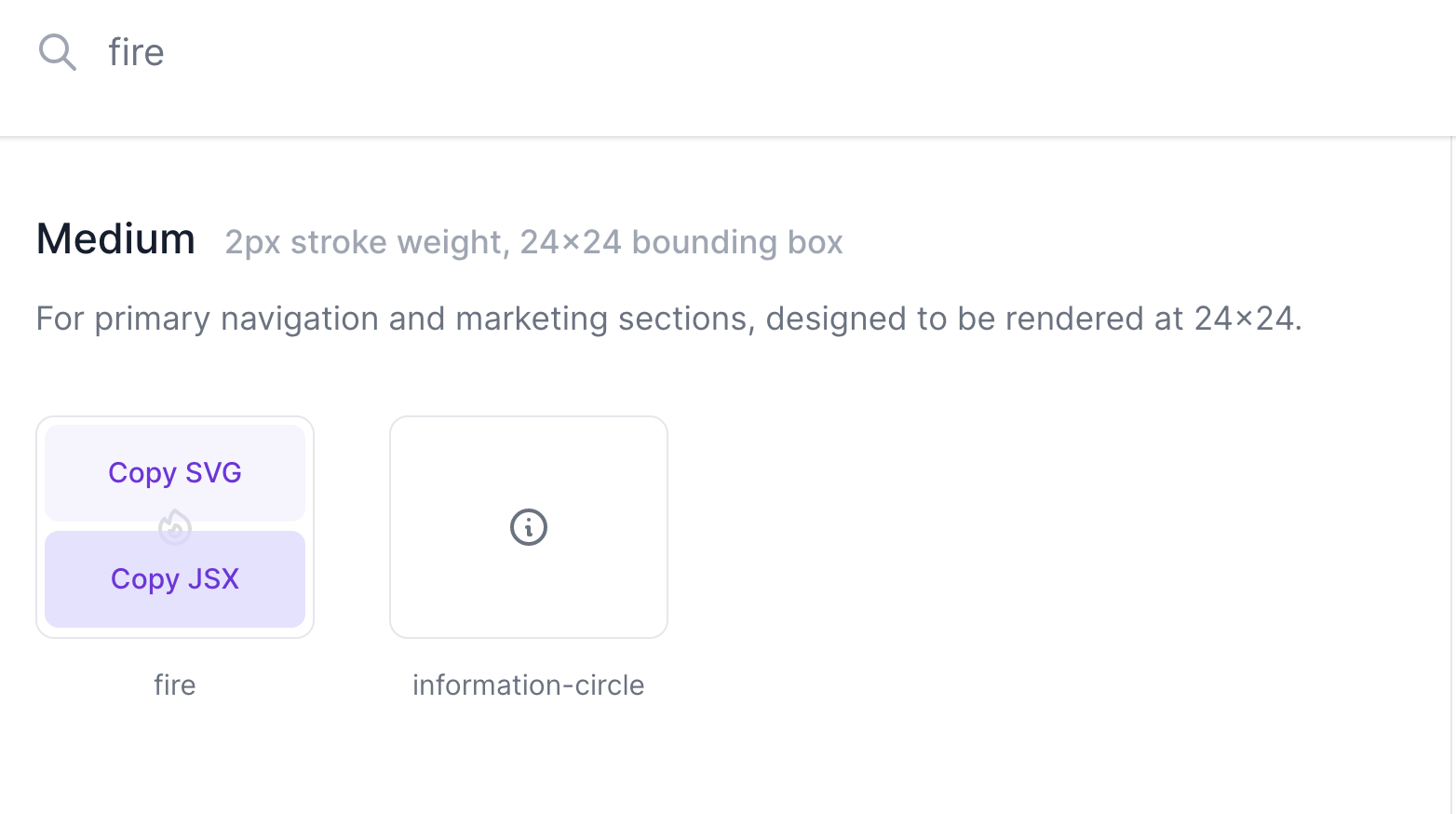
First lets grab an icon from the [Heroicons](https://heroicons.com/) website. Simply search for an icon and click the "Copy JSX" button.

![blog-heroicons-search.png](https://cdn.hashnode.com/res/hashnode/image/upload/v1607681731870/Pk0Ili-di.png)

This will copy the icon to your clipboard ready to paste into your React project.

![blog-heroicons-fire-icon.png](https://cdn.hashnode.com/res/hashnode/image/upload/v1607681969442/JcpGI37Yd.png)

```
<svg xmlns="http://www.w3.org/2000/svg" fill="none" viewBox="0 0 24 24" stroke="currentColor">
  <path strokeLinecap="round" strokeLinejoin="round" strokeWidth={2} d="M17.657 18.657A8 8 0 016.343 7.343S7 9 9 10c0-2 .5-5 2.986-7C14 5 16.09 5.777 17.656 7.343A7.975 7.975 0 0120 13a7.975 7.975 0 01-2.343 5.657z" />
  <path strokeLinecap="round" strokeLinejoin="round" strokeWidth={2} d="M9.879 16.121A3 3 0 1012.015 11L11 14H9c0 .768.293 1.536.879 2.121z" />
</svg>
```

## Create the React component

We're using [Create React App](https://create-react-app.dev/) which automatically recognises the JSX SVG component we copied from the [Heroicons](https://heroicons.com/) website.

Create a new component file called `Icons.tsx` that we'll use to hold all our icons. Inside this file create a new component with the same name as the icon from the [Heroicons](https://heroicons.com/). 

Keeping the same name helps if you need to go back to the site and update the icon version later.

*filename: Icons.tsx*
```
import React from 'react';

export const IconFire = () => (
  <svg
    xmlns="http://www.w3.org/2000/svg"
    fill="none"
    viewBox="0 0 24 24"
    stroke="currentColor"
    className="w-4"
  >
    <path
      strokeLinecap="round"
      strokeLinejoin="round"
      strokeWidth={2}
      d="M17.657 18.657A8 8 0 016.343 7.343S7 9 9 10c0-2 .5-5 2.986-7C14 5 16.09 5.777 17.656 7.343A7.975 7.975 0 0120 13a7.975 7.975 0 01-2.343 5.657z"
    />
    <path
      strokeLinecap="round"
      strokeLinejoin="round"
      strokeWidth={2}
      d="M9.879 16.121A3 3 0 1012.015 11L11 14H9c0 .768.293 1.536.879 2.121z"
    />
  </svg>
);

``` 

## Styling with Tailwind CSS

We need to add a bit of styling to the SVG to make it render correctly. Here we're using [Tailwind CSS](https://tailwindcss.com/) to set the width of the icon.

*filename: Icons.tsx*
```
  <svg
    ...
    className="w-4"
    ...
  >
```

## Use your new Icon

We can now import our new icon anywhere its needed within our app:

*filename: App.tsx*
```
import { IconFire } from 'Icons';
...
  <IconFire />
...
```

Beautifully simple, enjoy 😀

