# Netlify CMS & Next.js Series - Custom Previews
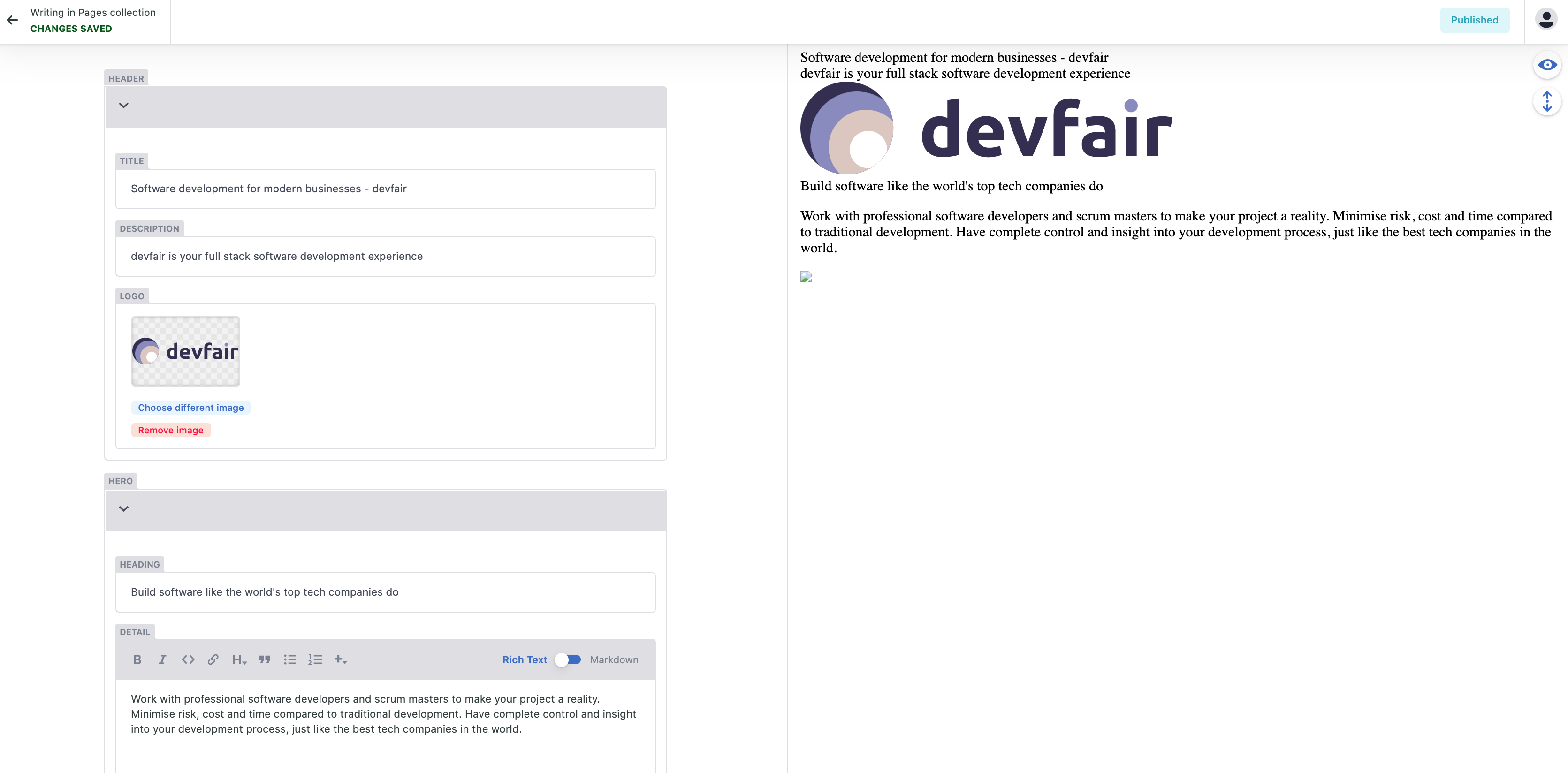
We can now edit data using Netlify CMS, while its functional I'm sure you'll agree its not exactly pretty!
Lets add some Tailwind CSS to show a Navbar and a Hero section with a custom preview so it looks as if we're editing the actual page when we're in the CMS.
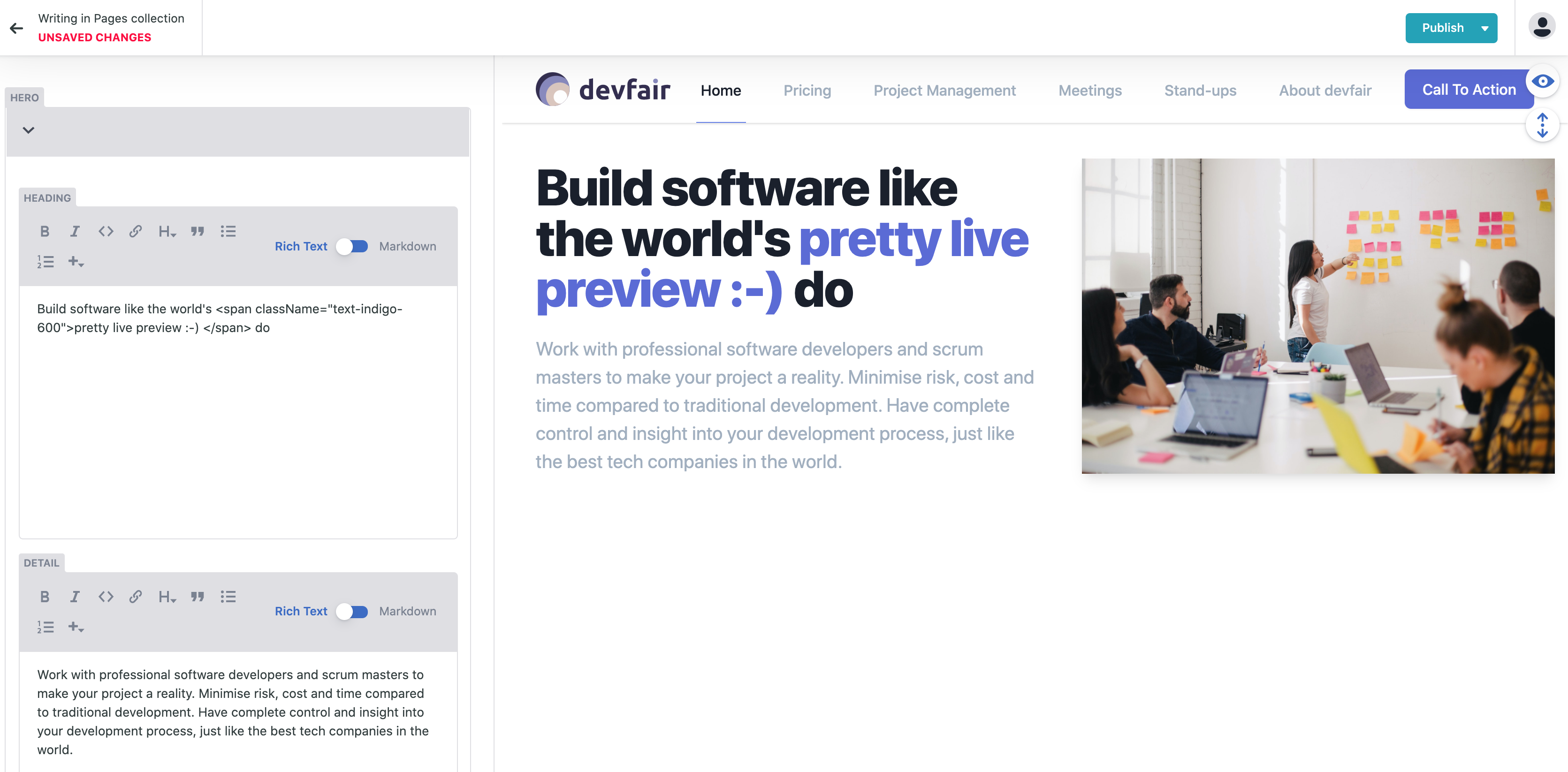
We'll end up with the slightly prettier:

If we take a look at the new design in the CMS we'll see that admin preview is still not great.
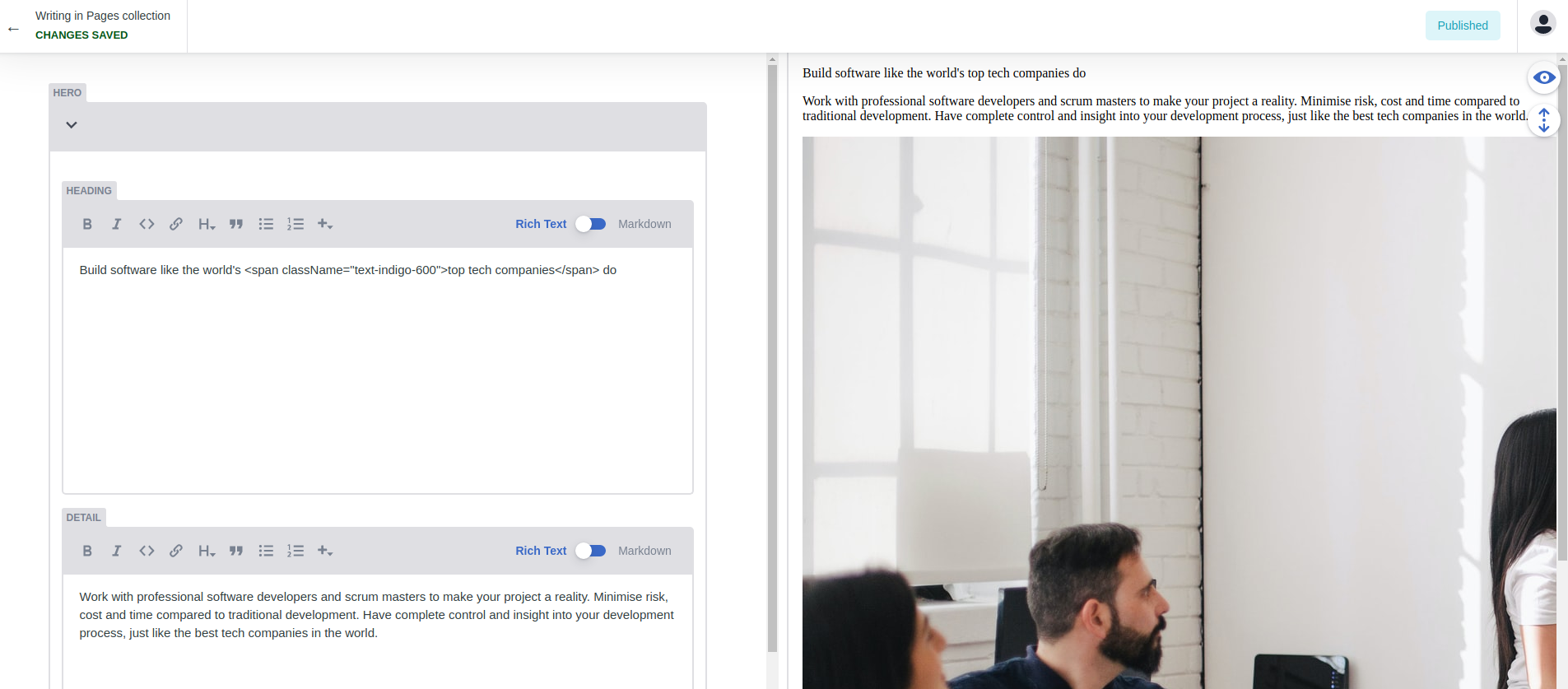
Let's change that so the admin preview looks like the actual rendered page.
## Admin Page CSS
To style the Admin preview we need to reference the main site CSS from the Admin pages. We can generate a CSS file using the Tailwind command line tool.
Add a script to the `package.json` file so we can easily generate the CSS and hook it into the Netlify deploy process using the `export` command.
```json
filename: package.json
"scripts": {
...
"generate-admin-css": "npx tailwindcss build styles/tailwind.css -o public/admin/main.css",
"export": "yarn generate-admin-css && yarn build && next export"
...
},
```
We can now easily generate this file using the command:
```bash
yarn generate-admin-css
```
Once the CSS file is generated we need to reference it in our Admin page.
```bash
filename: pages/admin.tsx
...
import("netlify-cms-app").then((CMS: any) => {
CMS.registerPreviewStyle("/admin/main.css");
...
```
## Preview Page
With the CSS is in place the final step we need a preview component for the Index page:
```tsx
filename: components/admin/IndexPreview.tsx
import React from "react";
import Index from "../../pages";
export const IndexPreview = ({ entry }) => {
const data = entry.getIn(["data"]).toJS();
if (data) {
return ;
} else {
return Loading...
;
}
};
```
Finally add the preview component to the Admin page:
```tsx
filename: pages/admin.tsx
import React from "react";
import dynamic from "next/dynamic";
import { IndexPreview } from "../components/admin/IndexPreview";
const AdminWithNoSSR = dynamic(
() =>
import("netlify-cms-app").then((CMS: any) => {
CMS.registerPreviewStyle("/admin/main.css");
**CMS.registerPreviewTemplate("index", IndexPreview);**
CMS.init();
}) as any,
{ ssr: false }
);
export default AdminWithNoSSR;
```
We should finally have a pretty live preview: